Fascinating video explaining why all world maps are wrong.
How To Make Summer Rolls
I will give this Summer Rolls recipe a try with my kids. Looks so good, and most of all, fun to make.
Tinybop: Skyscraper
The fine folks over at Tinybop launched yet another wonderful app: Skyscraper! It allows you to playfully contract your own skyline of buildings, send people up and down in elevators, spark a blackout or clog the toilet, fix a pipe or put out a fire and so on! The app was beautifully designed by Berlin-based illustrator Mike Ellis.
CreativeMornings Podcast/ David Kelley
“Creative people are being asked to work on really important problems, problems that matter in the world, and the good news is we’re coming up with new-to-the-world solutions, and so it’s a really good time to be a designer.”
Speaking on the global theme of Freedom, David Kelley took the stage at CreativeMornings/New York in May 2014 to speak on the design revolution. Designers now have the respect and freedom to make a difference. Championing for design to be more inclusive in its meaning, David looks to give everyone confidence in their ability to be creative. Now that everyone has the power of creativity, what will you do with it?
You can see all of the CreativeMornings Podcasts here. And you can see all talks from around the world on the topic of Freedom here.
tiny cards by Duolingo
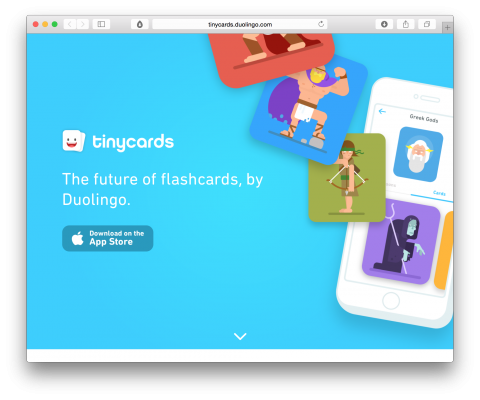
I have always used flashcards to memorize things. Duolingo uses the concept of flashcards to turn learning into a game where you have fun unlocking new levels. Tiny cards looks superfun. Totally downloading the app.
How To Roast the Perfect Marshmallow
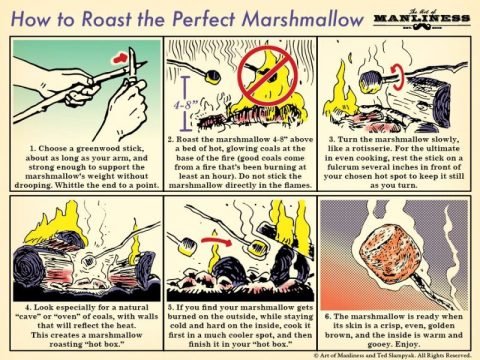
Roasting a marshmallow over a fire is a volatile task. If you’re not careful, you can burn it to a crisp, or get an undercooked center with a charred shell. Thanks Lifehacker for this post teaching us how it’s done.
Learn About Community Building
(This is a Reel our San Diego put together. It so beautifully shows the magic of CreativeMornings)
There is not a day that goes by where we don’t get an email being asked to share our CreativeMornings secrets. That’s why, on June 25th, for the first time ever, my team and I are sharing how CreativeMornings scaled its community from one chapter to over 140, in a one day intensive workshop.
If community building is on your mind, com and learn how we built ours of 1,500 volunteer organizers and continue to engage 180k attendees annually in 55 countries around the world. My team and I will share our findings from the last 8 years, what worked what didn’t and we’ll also make time to workshop any challenges you’re facing in your community.
More info: creativemorningsworkshop.com
Histography

“Histography” is an impressive interactive timeline that spans across 14 billion years of history, from the Big Bang to 2015. The site draws historical events from Wikipedia and self-updates daily with new recorded events. The viewer can choose to watch a variety of events which have happened in a particular period or to target a specific event in time. For example you can look at the past century within the categories of war and inventions.
WoW!
(via)
Learn Piano Interactively
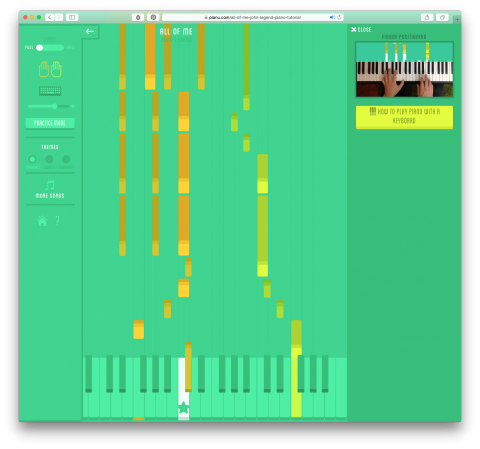
Pianu is a website that teaches you how to play the piano interactively. I just love the internet so much!

How to send stuff to your Kindle
Did you know you can send articles to your Kindle, directly from your browser? Ryan Shelley teaches us how, on our brand new CreativeMornings project called Skills. What can you *you* teach us?
What Will You Teach the World?
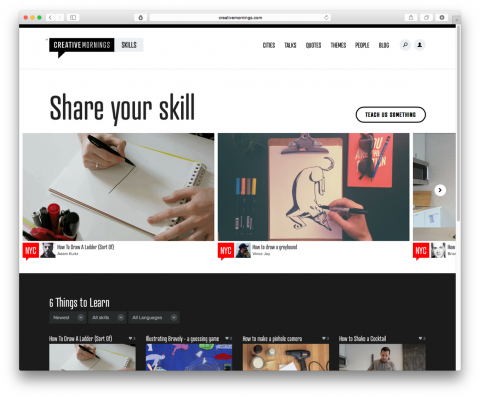
There is a lot of excitement in the air here at CreativeMornings HQ as we just soft-launched SKILLS. It is an attempt to highlight all of the creative talent in our community, by inviting anyone, in video form, to answer the question: What will you teach the world in two minutes or less? Here is one of the example videos by Adam J.K:
How To Draw A Ladder (Sort Of)
So, what will you teach the world? creativemornings.com/skills
SayHi Translate App
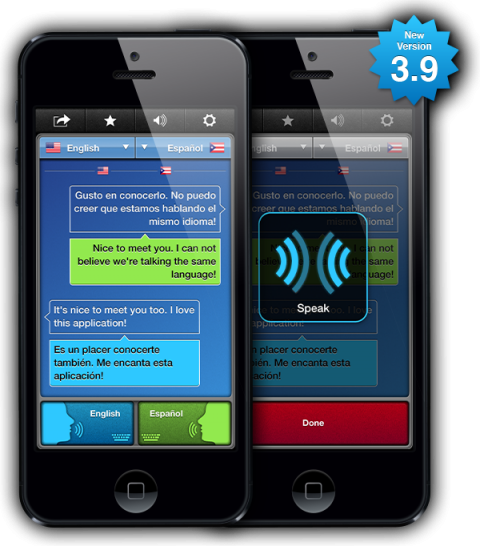
While on vacation in Switzerland, Ella (9) made a friend that didn’t speak English, so I downloaded them the SayHi Translate App. The app covers 43 languages and dialects. While it’s not always perfect, it sure is helpful and makes for a good laugh here and then. What an amazing time we live in.
NYTimes Cooking Techniques
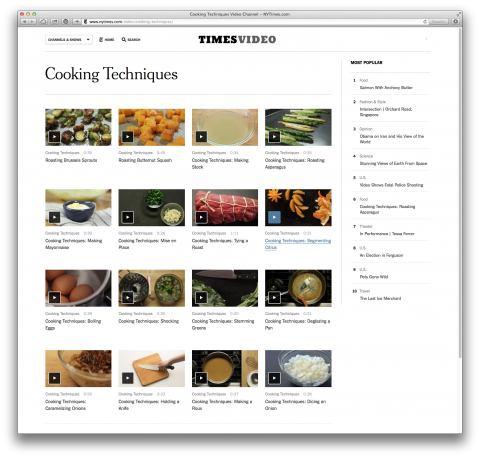
I just got lost in a sea of short and refreshingly basic Cooking Technique Videos over on the New York Times. Here’s how you shuck an oyster.
I wish the internet would have been around when I was a kid…
How To Peel An Egg
Tim Ferriss teaches us how to “peel” a hard-boiled egg.
(thanks Wesley)
Skillshare Class with John Maeda
An Online Skillshare Class by John Maeda
I am most definitely going to take this Skillshare class with John Maeda on Creativity, Design and Leadership.
How to Download a YouTube Video
I didn’t realize it was *this* easy to download a YouTube video.
The Bézier Game
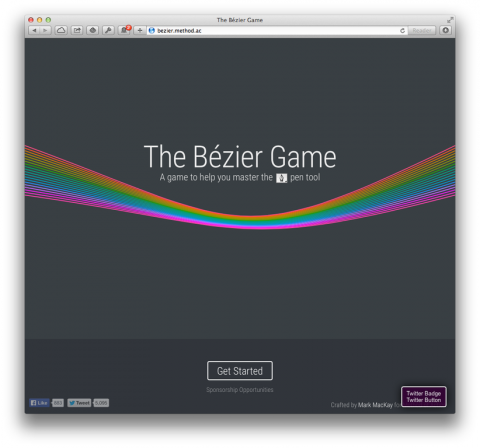
Here’s a game that helps you master Bézier curves. If you’re a designer, you know what they are. If not, read this.
Arm Knitting
I shared an Instagram of Ella (7) knitting a few days ago and one of my followers left a comment saying I should look into arm knitting. A quick Google search let me to the above YouTube video. Looks fascinating, no? Also, lots of arm knitting stuff to find on Etsy.
I love the internet so much!
EduPunks’ Atlas
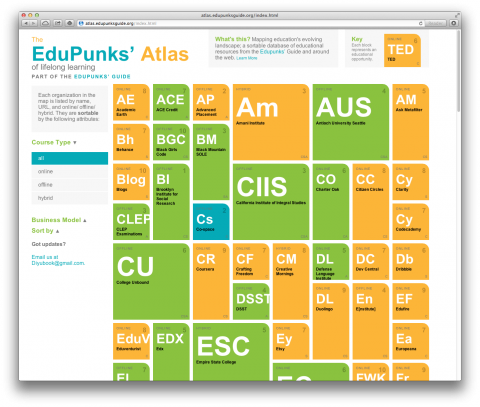
EduPunks’ Atlas is a sortable database of educational resources from the EduPunks’ Guide and around the web.
What an absolutely fantastic resource! So many organizations and sites I’ve never heard of. Learning!
TocaBoca Builder
My kids were lucky to get their hands on a not yet released TocaBoca app called Builders. I have never seen both my 7 and 3 year old more enthralled by a game. Ella kept shouting: “This is so much fun!”
And now that they’re sleeping, it’s my turn! Make sure to watch the above video to see what the fun is all about. The app is scheduled to be released on Thursday!
TocaBoca keeps impressing!
Discover your Design Alter-Ego
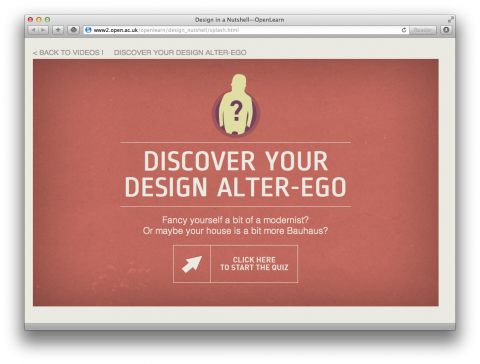
Design in a Nutshell is a series of beautifully animated videos by Open Learn, explaining 6 key design movements. Watch short videos on Gothic Revival, Arts and Crafts, Bauhaus, Modernism, American Industrial Design and Postmodernism.
Or Simply discover your design alter-ego. Take the quiz.
(via the always amazing Open Culture blog)