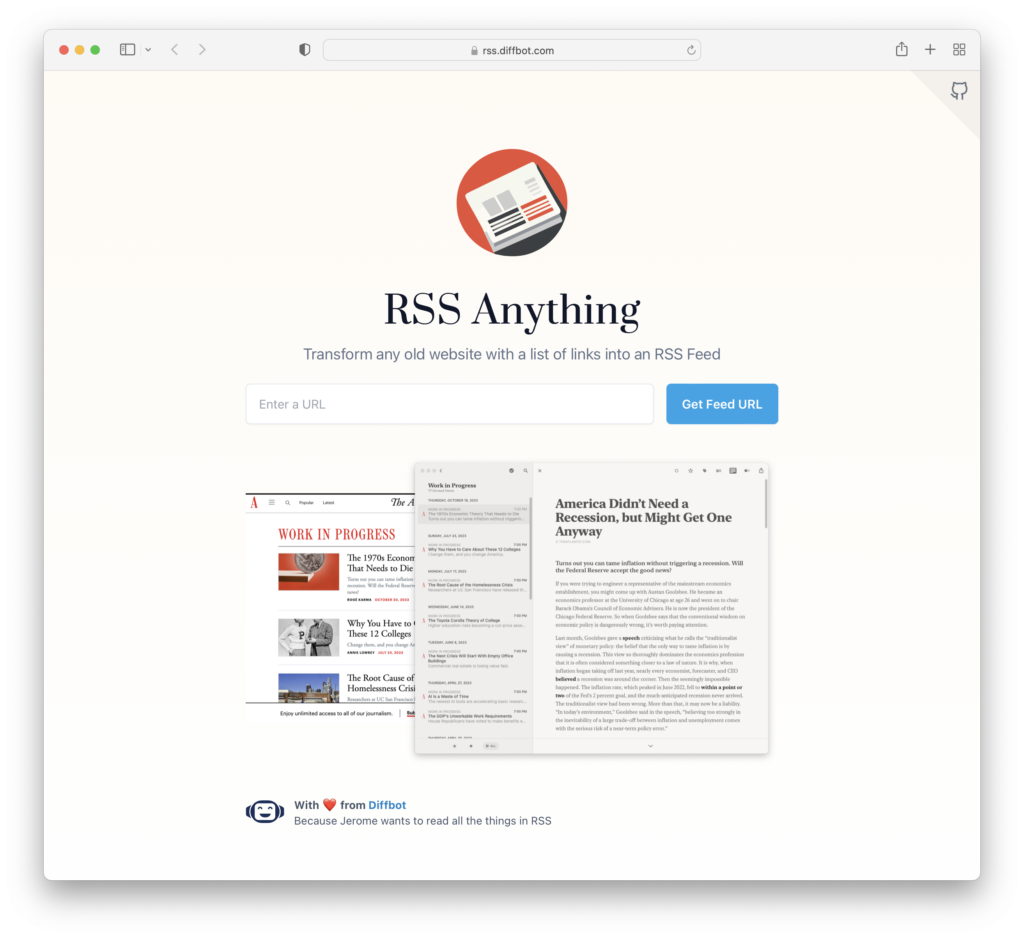
This site transforms any old website with a list of links into an RSS Feed.
(via Chris)
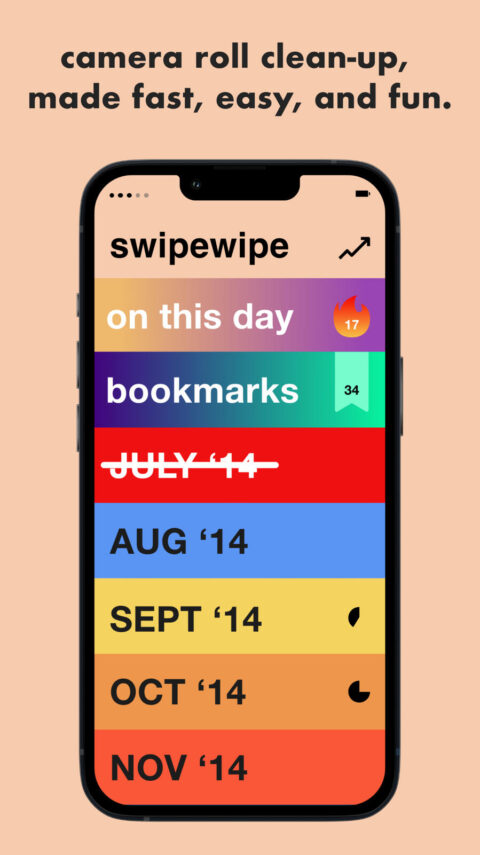
I keep trying (and failing) at cleaning out my photos on my camera roll. Its a drag to do. But no more! Enter the Swipe Wipe app. It lets you swipe left to delete and swipe right to keep a photo. (yes, like dating apps!) I love it! I just started using it and it has freed up so much space on my phone. So simple, so effective.
Wow. My Mind seems impressive. Definitely trying this.
ps: OMG! The onboarding is a piece of art. The entire experience is a dream. YES!
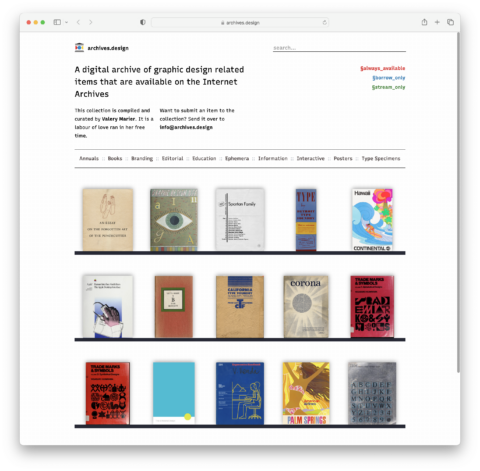
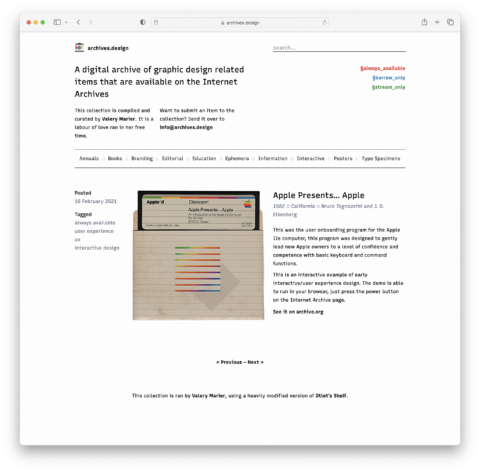
My friend Steve texted me the link to archives.design saying “I DARE you not to like this!” He knows me well. Archives.Design is a digital archive of graphic design related items that are available on the Internet Archives
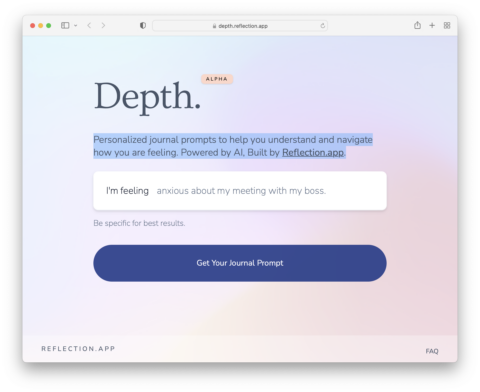
Wow, these AI powered personalized journal prompts are quite helpful for understanding and navigating how you are feeling. The fine folks at Holstee keep impressing me with their thoughtfulness.
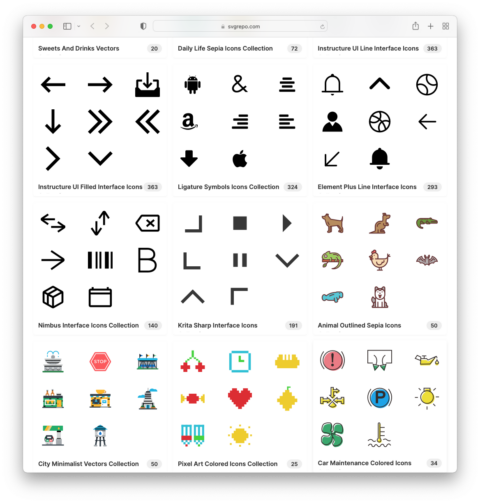
Very few free icon websites offer straightforward download options without having to go through an account setup first. SVG Repo contains over 500,000 open-licensed vector icons and symbols that are easy to search and instantly downloadable. Helpful!
(via Dense Discovery)
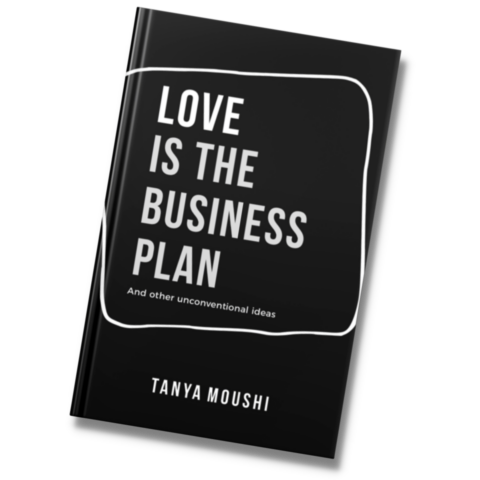
I just now stumbled upon Tanya Moushi’s book Love is The Business Plan. The title made me gasp and I of course instantly downloaded it. So, while I haven’t read it yet, I am enamored by this video in which Tanya shares how she organized and wrote her book using Notion and Apple Pages. Love love love when people share how they organize / do their work. She also shares the template here.
(I love this internet so much! Gah!)
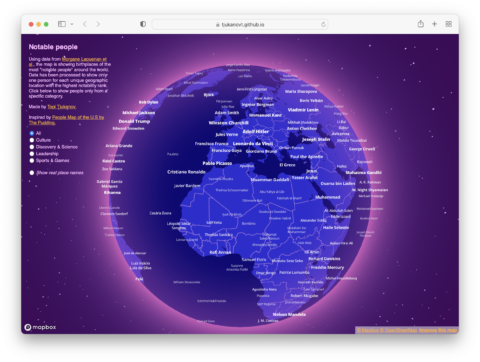

Using data from Morgane Laouenan et al, the Notable People Map is showing birthplaces of the most “notable people” around the world. Data has been processed to show only one person for each unique geographic location with the highest notability rank.
(via Dense Discovery)
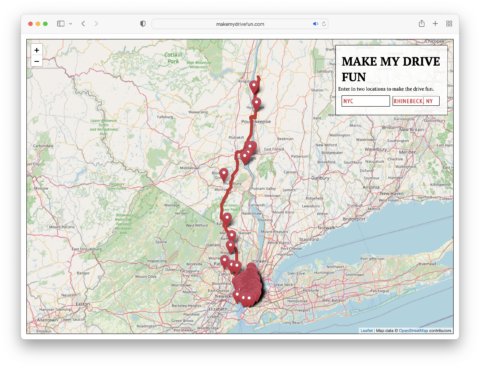
The site Make My Drive Fun is pretty darn cool. Go enter your starting and end point and see the magic unfold.
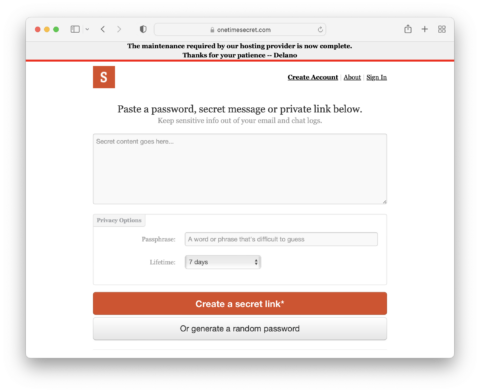
My super-smart developer friend John told me about One Time Secret. It helps you keep sensitive info out of your email and chat logs. Helpful!
PS: Apparently you can send one-way secret messages through Slack as well.
I had to get a form notarized yesterday. And I am sure many of you agree, finding a local notary is a total pain. My neighbor Marious suggested I use notarize.com. It connects you with a notary somewhere in the country, via video call. First you answer a bunch of questions that make sure you are who you say you are and then there is a real human notary, talking to you, via video conferencing. It was like magic! I totally squealed! So easy! So quick!
I have recently started using Notion. It’s no exaggeration when I say it’s life changing. For the first time I ever I feel like I have one place to organize my life and work in a simple and intuitive way. Love falling down rabbit holes on YouTube of people sharing their own personal way of using Notion.

I just recently discovered Pitch and am wildly impressed. If you have to create presentations and are like me struggling with Google Slides and want a more collaborative tool than Keynote, Pitch might be for you. The template gallery is impressive to get you started with.
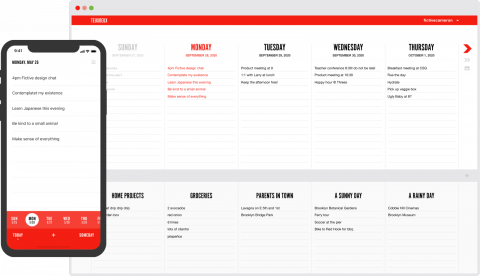
In 2010 I accidentally, for funsies, created a simple to-do app with my studiomate Cameron Koczon. We jokingly called it TeuxDeux. This trusty companion has kept us organized ever since!
A few weeks after building it, and just Cameron and I using it, friends kept asking to get in on it. We decided to make it available to the public and has since attracted an incredibly loyal and committed fan base of humans who love to cross things off.
The concept is simple: Make an app that feels as close to a paper list as possible, but that is with you at every step of the way: On the go on your phone but also ready to keep you organized when you work on your computer. (The secret is to set your browser landing page to teuxdeux.com so you’re being reminded what you need to do every time you open a browser window!)
Cameron and his team spent the past few months rebuilding the app from scratch and, drumrolls please, added the long awaited Android app! (iPhone users, we gotchu too.)
If you’re familiar with TeuxDeux you’ll notice the new and improved user interface on the app and the much faster and reliable syncing thanks to a complete rebuild of the back-end.
I love this app and I am grateful it is in such capable hands with Cameron and his team: Try it for free!
Asking for a friend: What's currently your favorite branding agency?
— [email protected] (@swissmiss) March 25, 2021
Wow! I discovered so many new branding agencies I had never heard of in this thread. Thanks to everyone who responded.
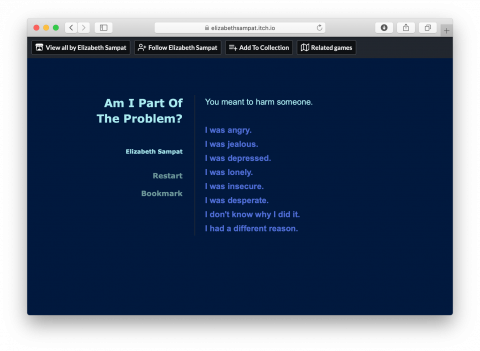
Big thanks to Kevin Kelly for sharing Am I Part of The Problem? It’s an interactive (and empathic) tool that will walk you through how to apologize. Kevin also describes in his post: “It also helps you understand the difference between intent and impact and the different ways you can make amends — direct, indirect or by example. It’s not designed to make you feel better about yourself, but instead is a useful practice in accountability.”
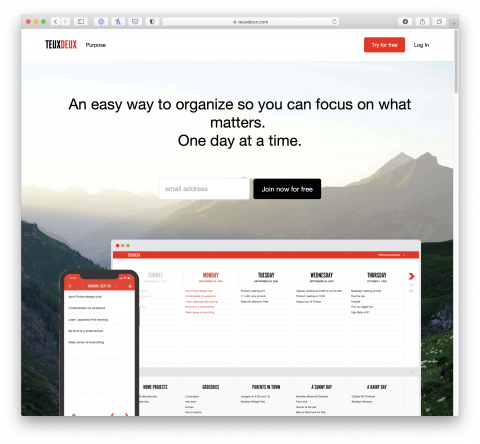
Happy Birthday, TeuxDeux. Thank you for keeping me organized for 11 years straight.
(TeuxDeux is a to-do app I created in collaboration with FictiveKin. If you like checking things off, if you like simple lists, you will love TeuxDeux.)
I loved this video in which Tim Ferriss breaks down how he reads and synthesizes books. Super interesting.
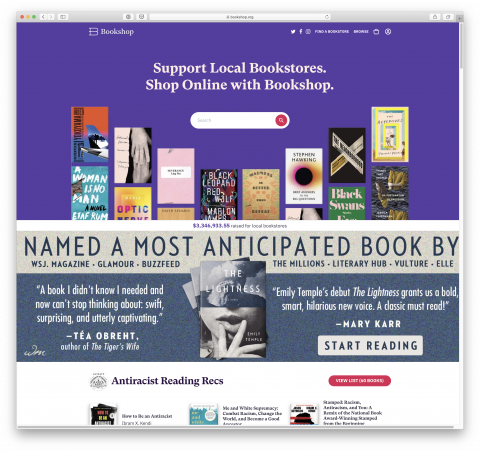
Bookshop is an online bookstore with a mission to financially support local, independent bookstores. Here’s your alternative to buying books on Amazon! Yes, please!
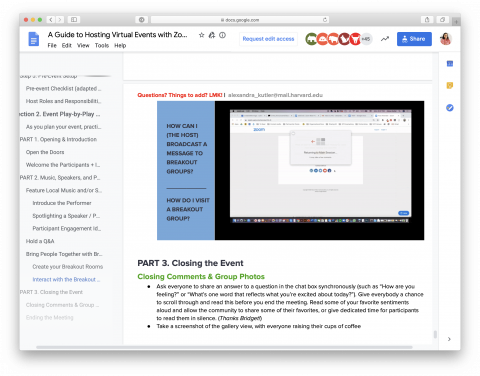
It seems like every meeting or online gathering is currently happening on Zoom. The platform is absolutely impressive but also takes a bit getting used to. Alexa knows a lot about running Zoom events and put together a guide for you, with checklists and all. She created the document originally to help our CreativeMornings hosts to move their events online. Here you go!
ps: My favorite functionality is the break out rooms. Check that chapter!
In this short YouTube video Matt D’Avella shares how he organizes his phone. I am so excited he mentions my to-do App called TeuxDeux. Thank you Matt!
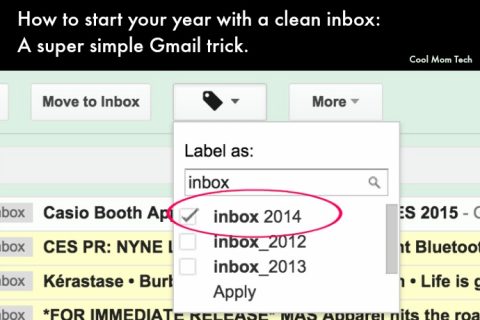
I love this step by step guide how to achieve Inbox Zero in Gmail to start the year out fresh.
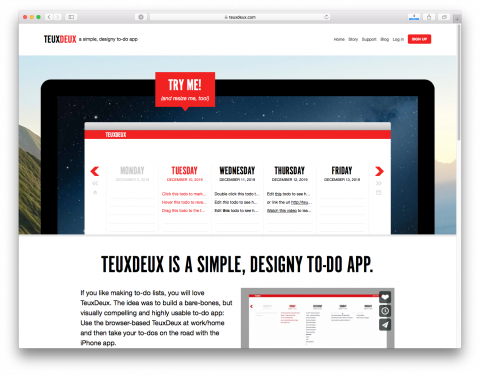
10 years ago today, my friends at FictiveKin and I launched TeuxDeux, a simple, minimal to-do app. If you like paper lists, you’ll like TeuxDeux.
Happy our birthday to you!
I keep my TeuxDeux as the browser landing page, which means, every time I open a browser window I am being reminded what I should be focusing on. Whatever you don’t check off today, will automatically roll over to the next day. You see the week at a glance and it’s delightfully simple. And in the ‘someday section’ below I keep lists like shopping, movies I want to watch, gift ideas for the kids, etc
Try it for free for 30 days! And if you do, do me a favor and enable the flying cat in the settings. You’ll see!
ps: We have an iOS app, but no Android yet. Someday!